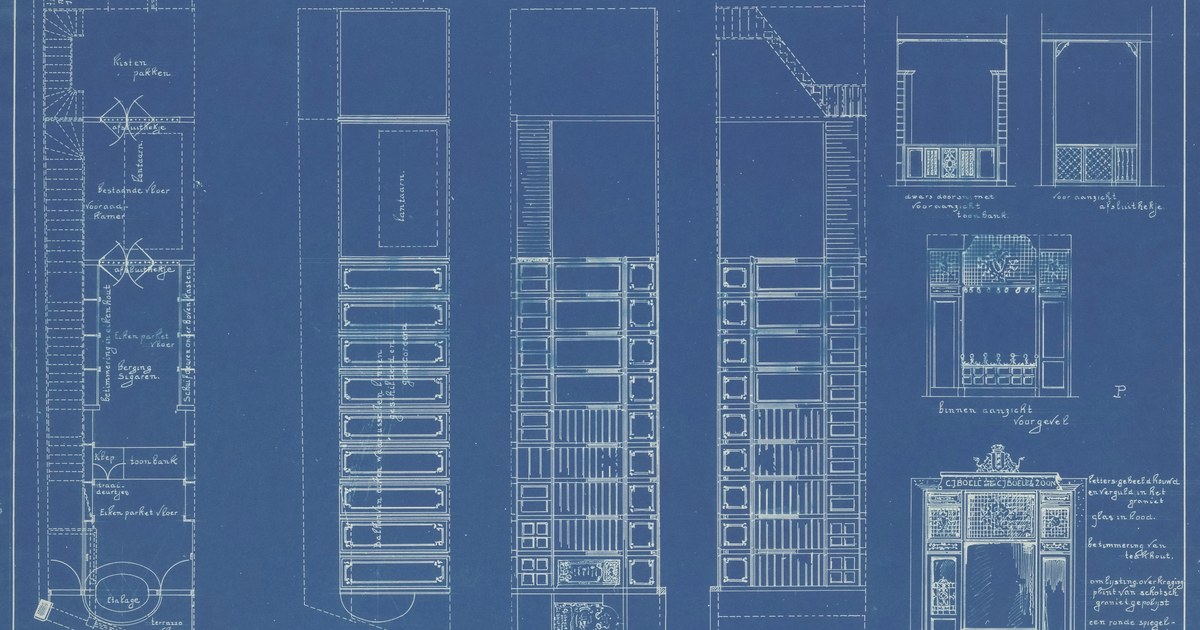
Fast and Free vs. Robust and Structured

PyMuPDF delivers speed and simplicity at zero cost, making it a tempting choice for quick PDF parsing. It integrates easily and handles basic text extraction with minimal fuss. But it stumbles when faced with tables, scanned pages, or images containing text. Captions and headings often slip through its cracks, and the output can feel patchy and unstructured. Microsoft’s Azure Prebuilt-Layout model takes a sturdier approach. It reads native table formats and applies OCR to decode scanned documents and embedded images. Beyond plain text, it tags paragraphs by role and rebuilds tables of contents without relying on brittle regex hacks. The result is a cleaner, semantically rich output that fits neatly into complex AI pipelines. For projects demanding precision over speed, Azure lays down a more reliable foundation.

Strengths and Weaknesses of PyMuPDF and Azure Layout

PyMuPDF stands out for speed and simplicity. It’s open-source and easy to plug into existing workflows. For straightforward PDFs—mostly text with minimal formatting—it performs well. But it hits limits quickly. Tables often come out as jumbled text blocks. Scanned pages and images with embedded text confuse it. Captions and headings slip through unnoticed. The output can feel patchy and unstructured, forcing extra cleanup. Azure’s Prebuilt Layout model tackles these pain points head-on. It uses OCR to read scanned documents and images, something PyMuPDF can’t do alone. Tables aren’t just detected; their native structure is preserved. Paragraph roles and document hierarchies emerge clearly, without brittle regex hacks. This produces richer, semantically meaningful data that integrates smoothly into AI pipelines. The trade-off? Azure’s solution is slower and tied to Microsoft’s cloud ecosystem. It introduces costs and some complexity but rewards users with accuracy and depth. PyMuPDF remains attractive for quick, lightweight tasks or when budget constraints are tight. Azure Layout suits enterprises handling complex, varied documents where precision matters more than speed or price. Both tools serve different needs. PyMuPDF speeds through simple jobs but struggles with anything beyond basic text. Azure Layout digs deeper into document structure, offering a more robust foundation for AI-driven understanding—if you’re ready to invest in that capability.

Why Document Parsing Matters for RAG Systems

Document parsing is the backbone of Retrieval-Augmented Generation (RAG) systems. These systems rely on extracting accurate, well-structured information from PDFs and other document formats before feeding it into AI models. Without clean, semantically rich data, the retrieval step falters, and the generated outputs lose relevance or coherence. Parsing isn’t just about getting text out. It involves recognizing tables, captions, headings, and even the layout hierarchy. These elements help RAG systems understand context and relationships within the document. For instance, a table’s structure often holds critical data that flat text extraction misses. Similarly, identifying headings and captions enables better navigation and targeted retrieval. Many business and research workflows depend on scanned documents or PDFs with complex formatting. Here, Optical Character Recognition (OCR) and layout analysis become essential. If the parser can’t handle these, vital content stays locked in images or poorly segmented blocks, limiting the AI’s ability to interpret it. That’s why the choice of parsing tool directly impacts the quality of downstream AI tasks. Speed and ease of integration matter, but so does the parser’s ability to preserve structure and semantics. This balance shapes how effectively RAG systems can deliver precise, context-aware responses from diverse document collections.

Impact on Data Quality and Model Performance

Data quality directly shapes how well AI models perform, especially in retrieval-augmented generation (RAG) systems relying on parsed documents. PyMuPDF’s speed and ease come at a cost: its inconsistent handling of tables, scanned pages, and embedded text often produces fragmented or incomplete data. This noise can confuse downstream models, leading to gaps or errors in generated responses. By contrast, Microsoft Azure’s Layout model offers a more nuanced grasp of document structure. Its OCR capabilities and semantic tagging mean tables and captions aren’t just detected—they’re properly understood and contextualized. That clarity translates into cleaner, richer inputs for AI pipelines. For enterprises, this can mean fewer misinterpretations, more accurate retrieval, and ultimately better decision-making support. Yet, the trade-off is clear: Azure’s solution demands more resources and integration effort. Smaller teams or projects with simpler documents might find PyMuPDF’s lightweight approach sufficient. But for complex, multi-format PDFs—especially those with scanned images or intricate layouts—the improved data fidelity from Azure Layout can justify the extra overhead. In short, the choice between these tools hinges on the stakes of data accuracy versus speed and cost. Where precision matters, the quality uplift from Azure Layout often leads to measurable gains in model reliability and user trust.
Ссылка на первоисточник
Science & Tech

AI Tools Transforming Local Newsrooms

Two local newsrooms have developed AI-powered tools that streamline story discovery. Greenpointers uses Anthropic’s Claude AI to analyze co…
This Home Battery Cut My Electricity Bill in Half
Science & Tech

EcoFlow PowerOcean Home Battery Insights

EcoFlow’s PowerOcean battery system offers modular energy storage with up to 45 kWh capacity, aiming to cut home electricity bills by up to…

Inside Elon Musk’s AI Ecosystem: How xAI, Tesla, X, Neuralink, and SpaceX Are Converging
Science & Tech

Elon Musk’s AI Ecosystem Takes Shape

Elon Musk is weaving AI deeply into his ventures—from xAI’s Grok powering X’s conversations to Tesla’s self-driving fleet, Neuralink’s brai…